How to Choose a CRM System for Sales Teams in 2026
Introduction
In 2026, sales teams are no longer tracking leads in spreadsheets or juggling disconnected tools. The modern sales pipeline is automated, data-driven, and performance-optimized.
But with hundreds of CRM options available, how do you choose the right one for your sales team?
This guide breaks down exactly what to look for.
1. Start With Your Sales Process
Before comparing CRM platforms, map your:
Lead sources
Follow-up process
Proposal workflow
Closing stages
Post-sale nurturing
If a CRM cannot mirror your real-world sales stages, it will slow your team down.
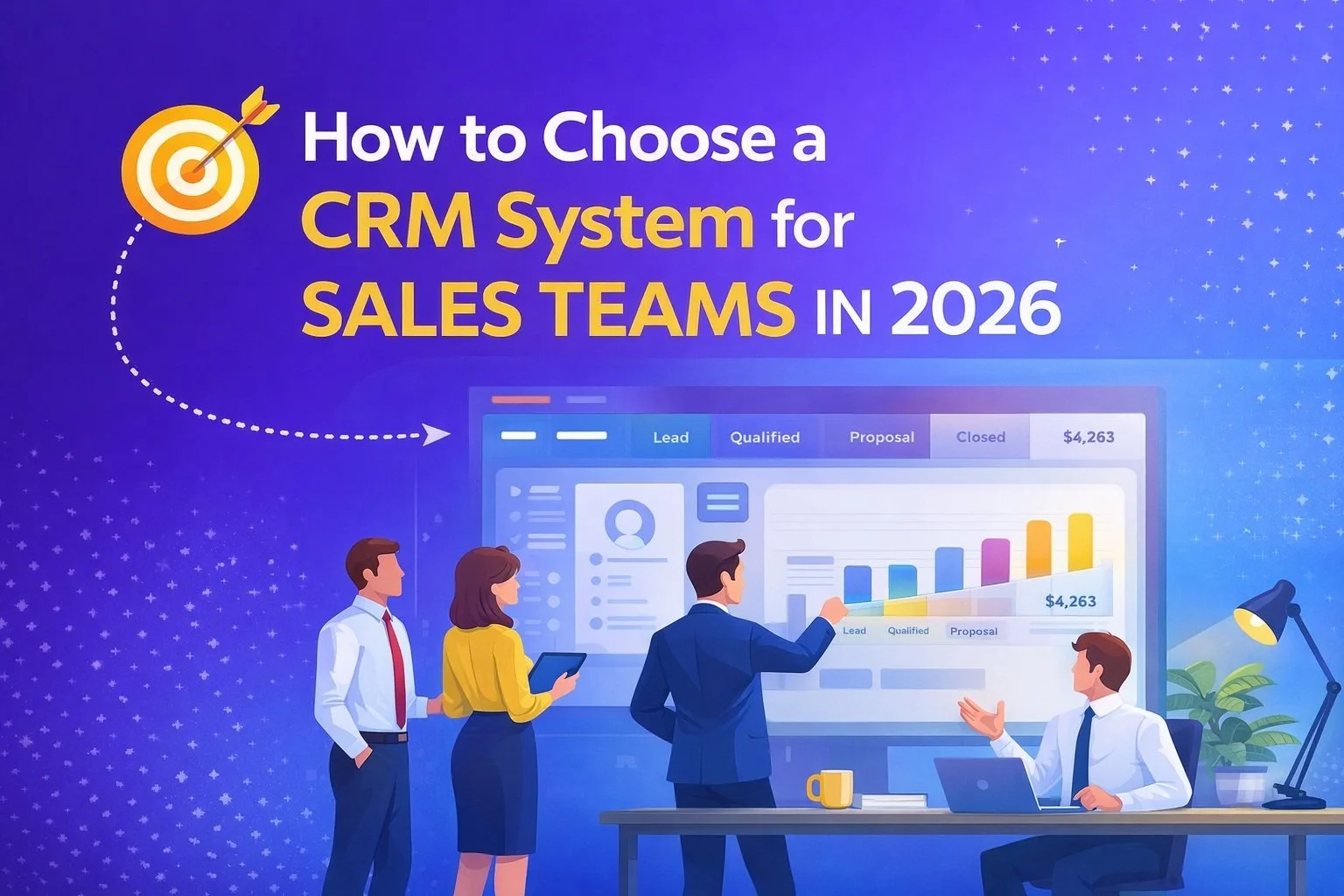
2. Look for Sales Pipeline Visibility
Your CRM should give:
Visual deal stages
Forecast reporting
Revenue tracking
Conversion rate metrics
Activity tracking per rep
If managers cannot see what is happening in real time, forecasting becomes guesswork.
3. Automation Is No Longer Optional
Modern sales teams require automation for:
Lead assignment
Follow-up emails
Task reminders
Pipeline movement triggers
Status change notifications
Without automation, your team wastes hours each week.
4. Integration Capabilities
Your CRM should integrate with:
Email providers
Calendar systems
Marketing tools
Accounting software
Website forms
Disconnected systems create friction. A CRM should act as the operational hub.
5. Mobile Accessibility
Sales reps are mobile.
Your CRM must offer:
Full mobile functionality
Quick contact lookup
On-the-go note updates
Deal stage adjustments
Email tracking
If it only works well on desktop, productivity drops.
6. Reporting & Forecasting
Key reporting capabilities to evaluate:
Pipeline value
Close rates
Sales cycle length
Rep performance metrics
Revenue by lead source
If reporting requires exporting to Excel, that is a red flag.
7. Scalability
Ask:
Will this CRM support 1 user? 5 users? 50 users?
Does pricing increase drastically with team size?
Can workflows expand as we grow?
Choose a system that grows with you.
8. Transparent Pricing
Avoid:
Hidden feature paywalls
Per-contact overage fees
Expensive add-ons for automation
Transparent pricing prevents unpleasant surprises.
Final Thoughts
Choosing the right CRM system in 2026 is about:
Workflow alignment
Automation strength
Reporting clarity
Integration power
Scalability
The best CRM is not the one with the most features.
It is the one that supports how your sales team actually works.
Frequently Asked Questions
-
Pipeline visibility and automation are the most critical. Without them, sales efficiency suffers.
-
Not necessarily. Small teams need simplicity and automation without unnecessary complexity.
-
CRM pricing varies widely. Expect anywhere from $20–$150 per user per month depending on features.
-
Yes. Automation reduces manual follow-ups and improves response time, which increases close rates.
-
Yes. A properly implemented CRM improves follow-up consistency, forecasting accuracy, and lead tracking.